
Work can feel slow without an obvious reason.
Teams stay busy, but progress is uneven. Tasks are revisited, decisions take time, and outcomes vary more than expected. Over time, these issues become part of how work is done, making them harder to see clearly.
Our Process Friction Finder tool is designed to bring those patterns into view.
Who this tool is for
This tool is useful when there is a general sense that something is not working as it should, but no clear explanation.
It is most relevant for:
- business owners who see high activity but limited progress,
- operational leaders trying to understand where time and effort are going,
- teams dealing with delays, rework, or inconsistent outcomes,
- organisations exploring automation and AI without a clear starting point.
In many cases, processes have developed gradually. Small inefficiencies build up, and it becomes difficult to step back and assess how work actually flows.
This tool provides a simple way to do that.
How to use the tool
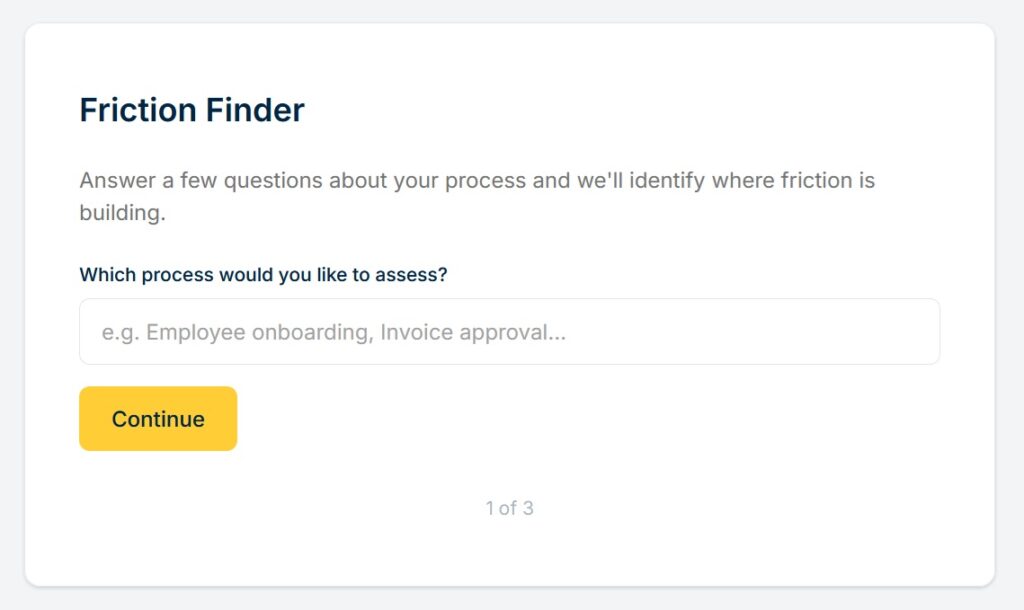
The Process Friction Finder is designed to be quick. Most people complete it in under two minutes.
You are asked to choose one process that contributes most to the effort in your organisation, and answer a small number of multiple-choice questions about how that process behaves.
The questions focus on practical signals, such as:
- where effort tends to build,
- where work slows down,
- how often tasks are revisited,
- how consistent the process is.
These are not technical issues. The aim is to reflect how work feels in practice, rather than how it is formally described.
The tool does not attempt to map the full process. It focuses on capturing a small set of useful indicators.
What the results show
The output is not a detailed analysis or a set of recommendations.
It highlights:
- where effort is concentrated,
- how work moves through the process,
- why the process may feel difficult to manage.
Each result reflects a recognisable pattern. For example:
- effort building around handling information,
- delays caused by coordination or approvals,
- time lost through rework or correction,
- variation driven by judgement or exceptions.
The purpose is to help you recognise the underlying pattern clearly.
Why this is useful
Many organisations begin improvement work by trying to map processes in detail.
This can take time and often adds little value early on.
A more useful starting point is to understand: the type of friction present, how effort accumulates, and whether the process behaves in a structured or fragmented way.
This gives a clearer basis for deciding whether the process is worth further investigation, what kind of improvement might be possible, and where to focus attention first.
It also reduces the risk of solving the wrong problem because the underlying pattern was not understood.
How the tool works
The tool looks for patterns in how work is described.
It does not rely on a full process map. Instead, it uses a small number of signals that tend to indicate how a process behaves in practice.
These signals are combined to identify broader patterns, such as:
- effort concentrated in data handling,
- reliance on coordination between people,
- repeated rework or correction,
- variation between cases.
The result is based on how these signals interact, not on any single answer. This allows the tool to provide a structured interpretation while keeping the experience simple.
Where this fits
The Process Friction Finder is an early-stage diagnostic tool.
It helps answer a basic question: what is making this process difficult to manage?
From there you can decide whether to explore the process in more detail, track how it performs over time, assess its suitability for automation and AI, or simply build a clearer understanding of how work is structured.
It does not replace detailed process mapping, but makes that next step more focused.
Try the Friction Finder
Most inefficiencies do not come from a single broken step.
They come from how work moves, or fails to move, across the process as a whole.
This tool helps make that visible in a way that is quick and easy to act on.