
Many organisations build useful automations and assistants, and then run into a practical problem.
The people who need to use those automations are often not the people who built them.
Accessing the right platform, finding the correct automation or assistant, running it, checking whether it worked, and understanding what happened can all feel unnecessarily technical. That can create delays, uncertainty, and a reliance on one person who understands how everything works.
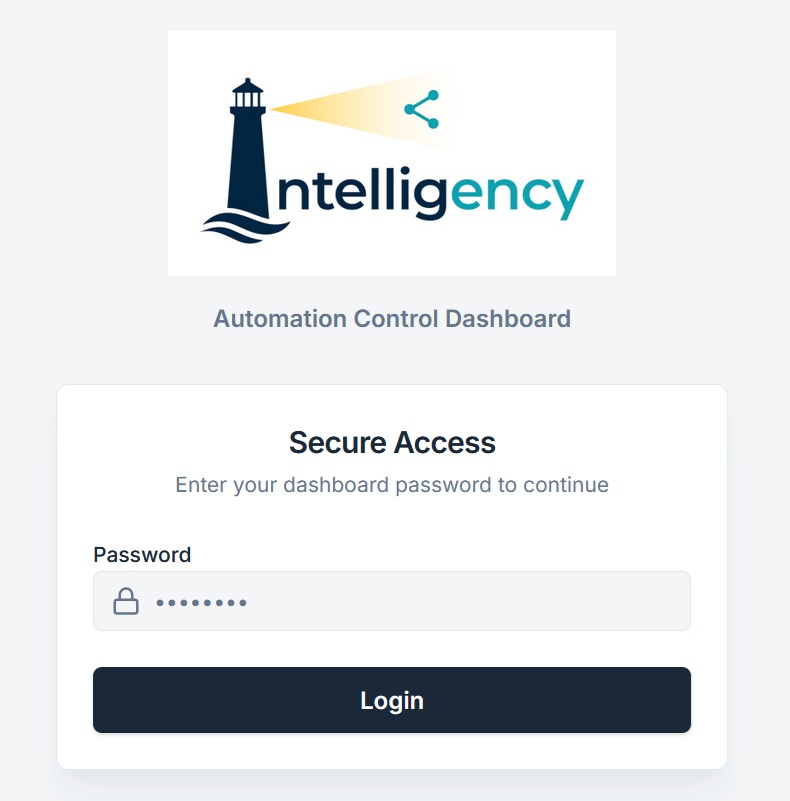
To solve this problem we built our Automation Control Dashboard.
This tool gives teams a simple way to run workflows, see whether they completed successfully, and to understand what to check next. All without needing to work inside the underlying automation platform or understand the logic behind it.
Who this dashboard is useful for
This dashboard is useful for organisations that have automations or assistants in place but need a clearer way to manage them.
It is particularly useful for:
- Internal teams that need to run automations manually,
- operations teams managing recurring processes,
- small businesses without dedicated technical staff,
- teams that want to reduce reliance on a single person who understands the technical setup,
- organisations with several automations and no clear way to track what has been run.
It is especially helpful when automations:
- depend on files already existing in folders,
- are triggered only when needed,
- take several minutes to complete,
- require someone to confirm whether outputs were created.
The dashboard creates a more accessible front-end to these processes.
How the dashboard works
After logging in, users see a list of available scenarios.
For each one, they can see:
- the process name,
- a short description,
- when it last ran,
- the latest result,
- a button to run it.
The process is simple.
Users make sure any required files or inputs already exist in the correct location. They then select the relevant workflow and click ‘Run’.
The dashboard updates the visible status while the automation is running. Once complete, users can review the result message and check any outputs if needed.
A simple colour system makes the status easy to understand:
- Yellow means the scenario is still processing,
- green means it completed successfully,
- red means there was an error,
- grey means users should check the inputs or outputs.
This gives teams a quick view of what is happening without needing to investigate further.
The importance of visibility
One of the biggest problems with automation is uncertainty.
People often do not know whether something has already been run, whether it completed successfully, or whether the automation found anything to process.
Without a clear view, teams can end up checking the same process several times, repeating runs unnecessarily, or relying on informal updates from colleagues.
The dashboard creates a simple operational record.
Users can quickly see what ran most recently, when it ran, and whether any follow-up action is needed. That reduces confusion and gives teams more confidence in the process.
Why this matters
Automation is only useful if people trust it.
That trust comes from being able to see what happened, understand the result, and know what to do next.
A simple dashboard like this helps bridge the gap between technical automation logic and day-to-day operational use.
Teams can use existing automations with more confidence, without needing to understand the underlying platform. That makes automation easier to adopt across a wider group of people and reduces the risk of important processes depending on a single technical user.
Next steps
If you’re looking for a simple way to run and monitor automations and assistants then our Automation Control Dashboard provides a solution.